Connecting Devices to SCADA and Multiple HMI Displays – Protocols, Wiring, Diagnostics
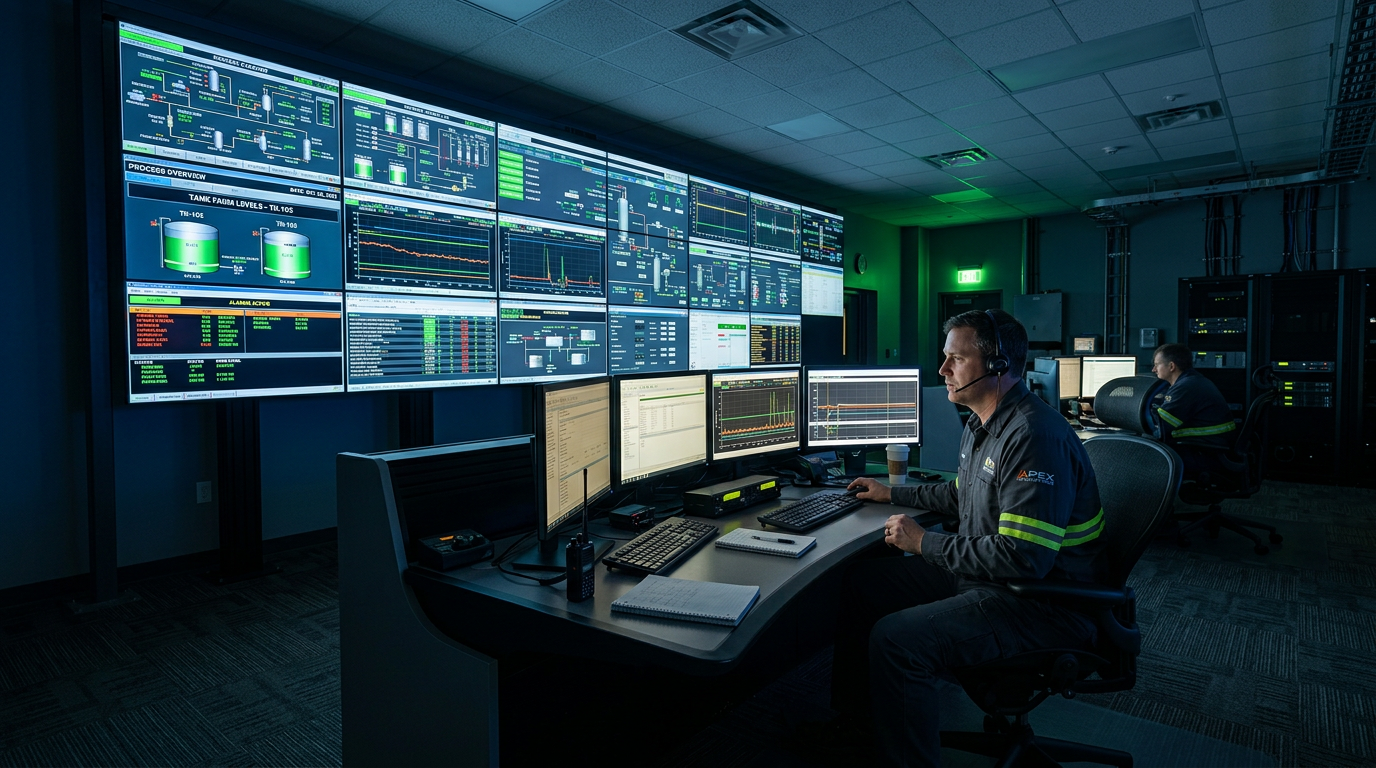
Connecting machines, inverters, PLCs and operator panels to a SCADA system is now standard in factories and increasingly on farms, in forklift fleets and on solar plants. A well-executed integration gives real-time machine status, alarm and trend archives and remote diagnostics. A poor one means communication drops, frozen screens and hours spent hunting for a fault that turns out to be a single RS-485 connector. This guide collects hard data: protocols, link parameters, wiring rules, multi-display configurations and the most common faults we see in our workshop.
SCADA versus an HMI panel
SCADA (Supervisory Control And Data Acquisition) is a supervisory system that collects data from many controllers, archives it, visualises it and lets operators issue commands. An HMI panel is a local screen at the machine – it shows status and allows operation, but usually sees only one controller or line. In practice they work together: the HMI serves the machine on site, while SCADA collects data from many machines into one central view.
| Feature | HMI panel | SCADA system |
|---|---|---|
| Scope | One machine or line | Whole plant, many controllers and sites |
| Location | Cabinet, desk at the machine | PC, server, control room, web browser |
| Archiving | Limited (SD card, panel memory) | Database, long alarm and trend history |
| Number of tags | Hundreds | Thousands to hundreds of thousands |
| Remote access | Optional (VNC, panel web server) | Standard (web client, mobile apps) |
| Typical use | Machine operation and diagnostics | Production supervision, reports, notifications |
Architecture: how data flows from machine to screen
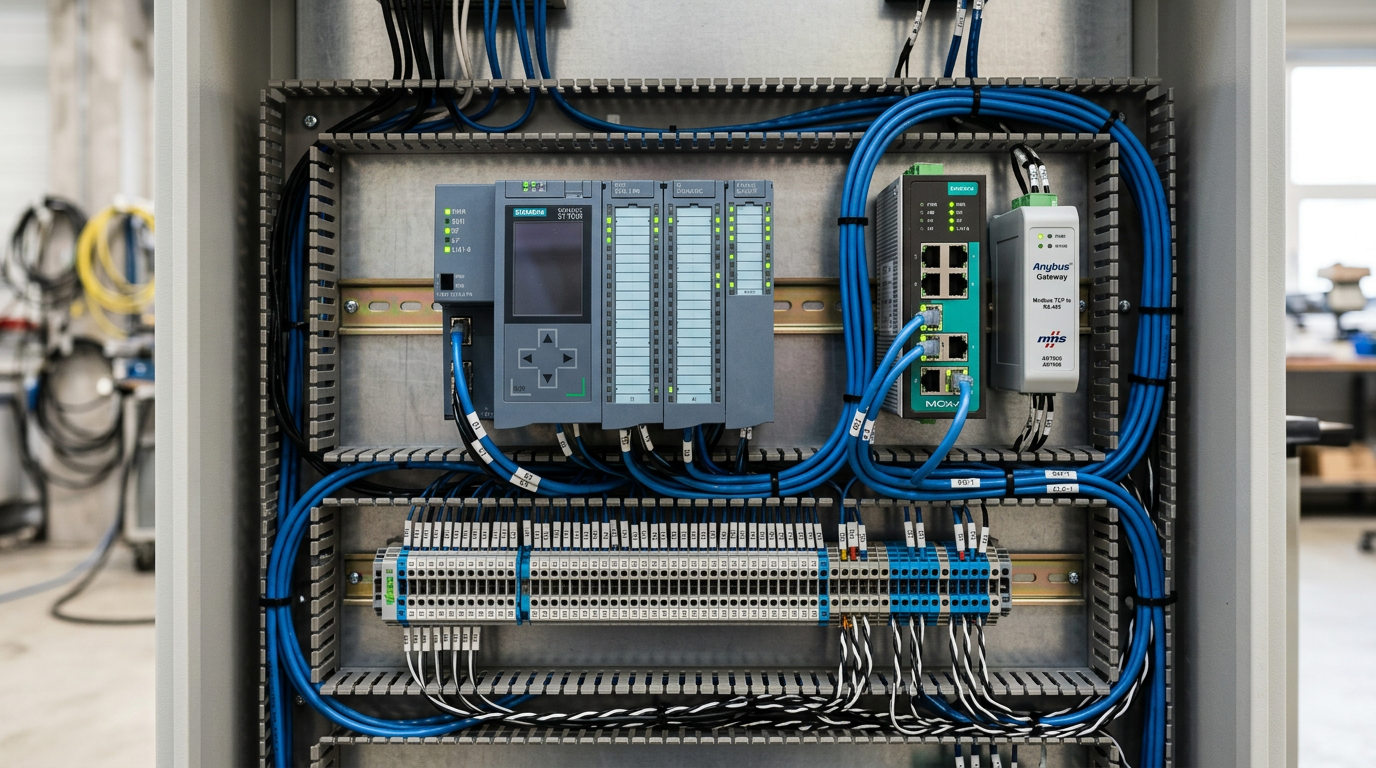
A typical system has four layers: field devices (sensors, drives, energy meters, engine controllers), PLCs or protocol gateways that normalise the data, the network (RS-485, CAN, Ethernet), and the supervisory layer (SCADA server, HMI panels, possibly the cloud). The joints between layers – gateways, converters and serial-to-Ethernet transitions – are where most problems occur.
Communication protocols used with SCADA
| Protocol | Medium / port | Speed | Typical use | Notes |
|---|---|---|---|---|
| Modbus RTU | RS-485 (2-wire), RS-232 | 1.2–115.2 kb/s | Drives, meters, controllers | Master/slave, addresses 1–247, simplest and most common |
| Modbus TCP | Ethernet, port 502 | 10/100 Mb/s | PLCs, gateways, newer drives | No encryption – never expose to the internet |
| PROFIBUS DP | RS-485, 9-pin D-sub | 9.6 kb/s–12 Mb/s | Siemens, drives, remote I/O | Needs termination and proper connectors |
| PROFINET | Industrial Ethernet | 100 Mb/s – 1 Gb/s | New Siemens installations | Real-time, line or star topology |
| EtherNet/IP | Ethernet, ports 44818 / 2222 | 100 Mb/s | Rockwell / Allen-Bradley, Omron | Explicit and cyclic (I/O) messaging |
| CAN / CANopen | 2 wires + shield | 10 kb/s–1 Mb/s | Drives, forklifts, mobile machinery | 120 Ω termination at both ends |
| SAE J1939 | CAN 250 / 500 kb/s | 250–500 kb/s | Tractor engines, trucks, generators | PGN/SPN identifiers, DM1 fault codes |
| OPC UA | Ethernet, port 4840 | Network dependent | PLC ↔ SCADA ↔ MES ↔ cloud | Built-in encryption and authentication |
| MQTT | TCP, ports 1883 / 8883 (TLS) | Network dependent | IIoT, cloud telemetry | Publish/subscribe, lightweight |
| S7 (ISO-on-TCP) | Ethernet, port 102 | 100 Mb/s | Siemens S7 controllers | Requires PUT/GET access enabled in the PLC |
RS-485 (Modbus RTU): the parameters people forget
Most serial communication problems come from installation, not software. RS-485 is a twisted pair (A/B or D+/D−) plus reference ground and shield. It must be wired as a line, not a star, and needs terminating resistors at both ends.
| Parameter | Recommended value | What happens if wrong |
|---|---|---|
| Cable | Shielded twisted pair, about 120 Ω impedance | Reflections, random CRC errors |
| Topology | Daisy-chain, stubs shorter than 0.5 m | A star causes unstable communication |
| Termination | 120 Ω at both ends only | None: noise; too many: reduced amplitude |
| Biasing | Bias resistors on A/B (about 560 Ω) in one place | False frames on an idle line |
| Length | Up to about 1200 m at up to 100 kb/s | Longer distances need a repeater |
| Number of devices | Up to 32 receivers without a repeater | More reduces signal levels |
| Serial settings | 9600–115200 baud, 8N1 or 8E1, identical on all devices | Parity mismatch means no reply |
| Shield | Grounded at one end (or via capacitor at the other) | Ground loops, damaged transceivers |
| Addresses | Unique (1–247), no duplicates | Two devices reply at once and corrupt the frame |
The most used Modbus functions are 03 (read holding registers), 04 (read input registers), 06 (write single register) and 16 (write multiple registers). Watch the address numbering: some vendors count from 1, others from 0, causing the classic off-by-one error.
Sample inverter register map
Every manufacturer has its own map, but the data scope is similar. Always verify actual addresses in the device manual.
| Variable | Access | Modbus function | Format | Notes |
|---|---|---|---|---|
| Control word (start/stop/reset) | Write | 06 / 16 | 16 bit, bitwise | Start, stop, fault reset, direction |
| Frequency / speed reference | Write | 06 / 16 | 16 bit, 0.01 Hz scale | Often a percentage of rated value |
| Status word | Read | 03 / 04 | 16 bit, bitwise | Ready, running, fault, warning |
| Output frequency | Read | 03 / 04 | 16 bit, 0.01 Hz scale | Actual value |
| Output current | Read | 03 / 04 | 16 bit, 0.1 A scale | For load trends |
| DC bus voltage | Read | 03 / 04 | 16 bit, 0.1 V scale | Power supply and capacitor diagnostics |
| Heatsink temperature | Read | 03 / 04 | 16 bit, 1 °C scale | Overheating prediction |
| Last fault code | Read | 03 / 04 | 16 bit, vendor code | Map to text in SCADA |
Heavy and mobile machinery: CAN, J1939 and gateways to SCADA
Tractors, forklifts, lifts and trucks communicate internally over CAN. They are not connected directly to SCADA – a CAN → Modbus TCP / OPC UA / MQTT gateway reads the frames (engine speed, coolant temperature, oil pressure, active DM1 fault codes) and exposes them in a format the supervisory system understands. For electric forklifts, drive controller data (current, temperature, faults, battery voltage) enables condition-based rather than calendar-based servicing.
| Device | Interface | How to connect to SCADA | Most common problem |
|---|---|---|---|
| Industrial inverter | RS-485 Modbus RTU / Ethernet | Directly to a PLC or via RS-485/Ethernet converter | Mismatched serial settings, no termination |
| PLC | Ethernet (Modbus TCP, S7, EtherNet/IP, OPC UA) | Native driver in SCADA or OPC UA | Access blocked in PLC config, wrong IP |
| HMI panel | Ethernet / RS-485 | Shared tags with the PLC, remote view via VNC / web | IP conflicts, overloaded panel |
| Electric forklift | CAN | CAN → Modbus TCP / MQTT gateway | Wrong CAN bitrate, no termination |
| Combustion engine (agri, trucks) | CAN J1939 | J1939 gateway → Modbus / OPC UA | Incorrect PGN/SPN mapping |
| Energy meter | RS-485 Modbus RTU / M-Bus | Converter to Ethernet or PLC | Duplicate address, wrong parity |
| Cogeneration unit / generator | Modbus RTU/TCP, CAN | Built-in port or gateway | Limited simultaneous requests |
Multiple displays: connecting several HMI panels and SCADA screens
| Configuration | How it works | Advantages | Limitations |
|---|---|---|---|
| Several HMI panels on one PLC | Each panel talks to the same controller over Ethernet or RS-485 | Multiple operator stations, independent screens | PLC connection limit, growing request load |
| Main panel + remote view (VNC / web) | Panel shares its image via VNC or built-in web server | Fast to deploy, no extra software | Usually limited clients, shared view |
| SCADA server + clients | One server collects data, many operator stations use it | Scalable, common archive and alarms | Needs server and client licences |
| Web client (browser) | HTML5 visualisation from any device | Tablets, phones, no installation | Needs secure network and authentication |
| Video wall | Video controller splits SCADA across many monitors | Great readability in a control room | Requires screen layout and GPU planning |
| Distributed HMI via gateway | Panels attached to a gateway buffering many devices | Lower load on PLC and drives | Extra point of failure, gateway must be monitored |
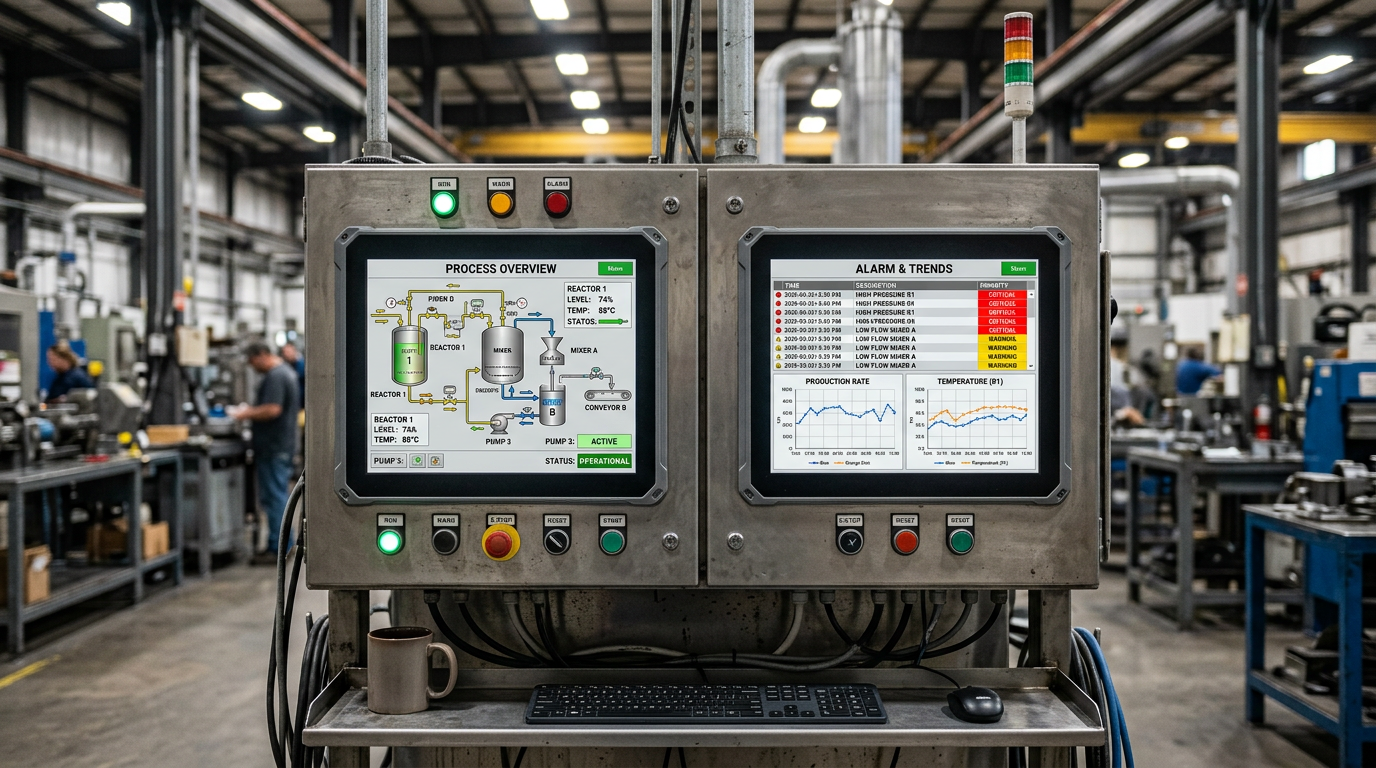
Three rules matter. First, a single source of truth: tags should come from one controller or server. Second, separated permissions: shop-floor operators can control, office views read only. Third, load control: every panel polling the same inverter over RS-485 reduces line throughput, so let one unit collect data and the others read from it.
Ethernet in the cabinet: addressing, segmentation, security
Use a separate subnet for automation devices, static IP addresses with a documented table and industrial-grade switches. Services such as Modbus TCP (502) or S7 (102) must never be exposed directly to the internet – use a VPN or a secure authenticated gateway. Prefer OPC UA with encryption over open Modbus TCP wherever possible.
- Segmentation – separate automation from office networks (VLAN or separate switches with a firewall).
- IP documentation – one table with device, address, mask, gateway and protocol.
- Monitoring – SNMP or simple pings alerting on device loss.
- Backups – keep copies of PLC, HMI and gateway projects off the machine.
Commissioning checklist
- Gather documentation – register maps, tag lists, wiring diagrams and serial settings.
- Plan addressing – slave addresses, IP addresses, CAN bitrates, node IDs.
- Verify wiring – continuity, A/B polarity, termination, shield grounding, separation from power cables.
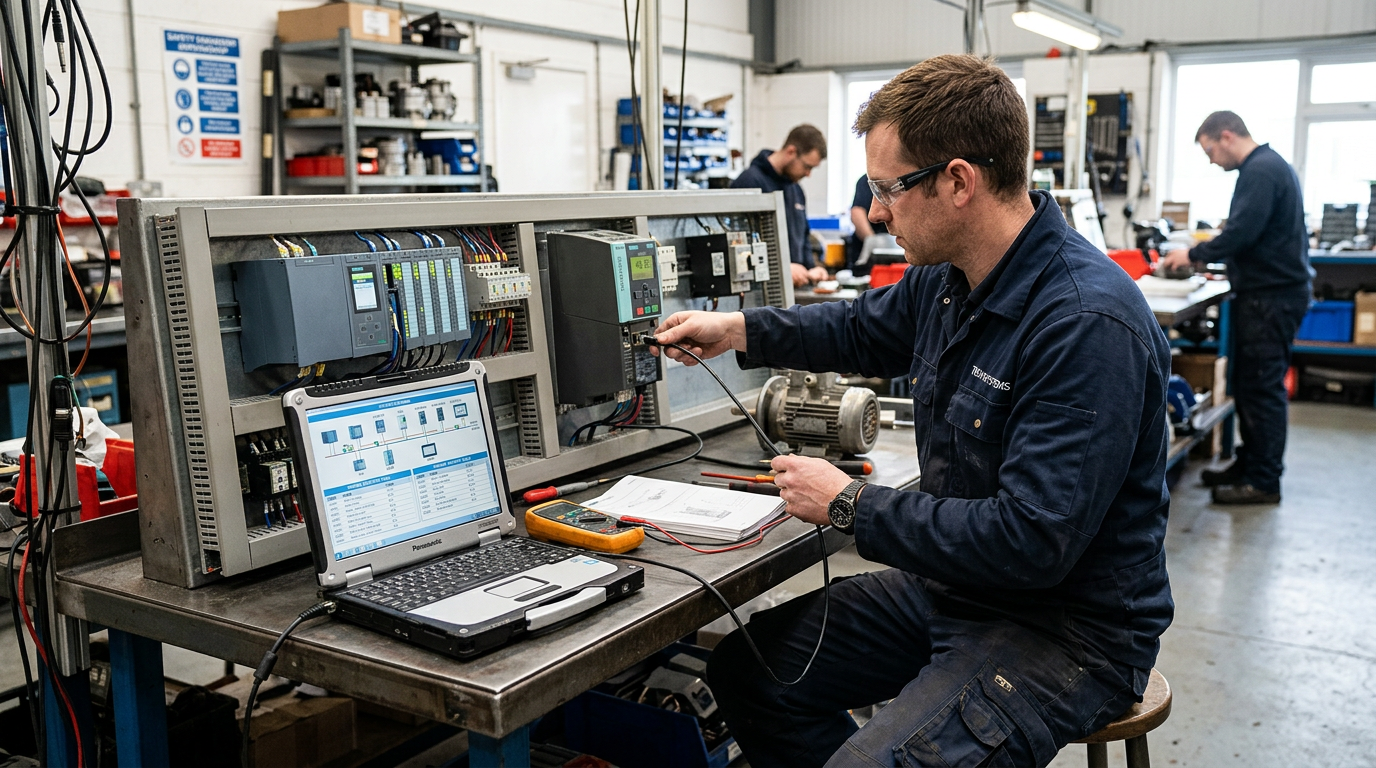
- Test each device on its own with a Modbus master tool or CAN sniffer.
- Add devices to the network one at a time and note when communication destabilises.
- Define tags in SCADA / HMI – names, types, scaling, units, alarm limits.
- Configure alarms and trends – priorities, acknowledgement, archiving, notifications.
- Run a load test with the full tag count and all stations for several hours, watching CRC errors and timeouts.
- Save backups – project, device configuration, address table, operator manual.
Common communication faults and how to diagnose them
| Symptom | Likely cause | What to check |
|---|---|---|
| No device response (timeout) | Wrong address, serial settings, swapped A/B | Slave address, baud rate, parity, wire polarity |
| Random CRC errors | Missing termination, interference, wrong cable | 120 Ω termination, shield, distance from motor and inverter cables |
| Data shifted by one register | Different address numbering (from 0 / from 1) | Vendor documentation and SCADA driver settings |
| Values always zero or constant | Wrong register type or scaling | Function 03 vs 04, format (int16, uint16, float) |
| Communication drops in and out | Overloaded line, timeout too short, weak gateway power | Polling rate, tag count, power supply |
| HMI freezes after hours | Memory overload, too many alarms, failing power supply | 24 V supply, panel CPU load, event archive |
| Device not visible on IP network | IP conflict, wrong VLAN, damaged switch port | Pings, ARP tables, switch port diagnostics |
| RS-485 port damaged after a storm | Surge on the bus, no protection | Transceiver, surge protection, grounding |
In our workshop we also see hardware failures: damaged RS-485 transceivers, burnt Ethernet ports in HMI panels and controllers, dead 24 V supplies and communication modules after surges. These can usually be diagnosed and repaired at component level instead of replacing the entire controller or panel.
Design best practices
- Use consistent tag naming (e.g. LINE1_DRIVE2_CURRENT) and keep a central tag register.
- Separate operator, service and management views.
- Design clear alarms with priorities and short descriptions – avoid alarm floods.
- Size the 24 V supply with margin and surge protection; many "strange" communication faults start at the power supply.
- Do not run communication cables alongside power and inverter motor cables; cross them at right angles if necessary.
- Plan spare tags and ports – installations almost always grow after the first year.
When to call a service workshop
If communication is unstable, SCADA loses data, an HMI cannot see the controller after a replacement or a machine lost connectivity after a surge, bring in a workshop that understands both electronics and protocols. We help with communication diagnostics, repair of damaged ports and communication modules, gateway commissioning and cleaning up the variable map of inverters, PLCs, HMI panels and mobile machine controllers. We work on weekdays, Monday to Friday, 8:00–16:00, around Knurów, Gliwice and the Silesia region.
See also: inverter repair after a surge and forklift controller repair. Have a device that will not talk to SCADA? Contact us – quotes are individual, after diagnostics.
Frequently asked questions
- How do I connect an inverter to SCADA?
- Usually over RS-485 (Modbus RTU) directly to a PLC or through an RS-485/Ethernet converter, or over Ethernet (Modbus TCP, PROFINET, EtherNet/IP). Use the same slave address, baud rate and parity on drive and master, and fit 120 Ω termination at both ends of the line.
- What is the difference between SCADA and an HMI panel?
- An HMI is a local screen at one machine or line. SCADA is a supervisory system that collects data from many controllers, archives and visualises it and allows control from one place.
- How many HMI panels can I connect to one PLC?
- It depends on the model and protocol – every controller has a limit of simultaneous connections. For many screens use a SCADA server or a buffering gateway to avoid overloading the PLC and drives.
- How do I connect farm machinery and forklifts to SCADA?
- Through a CAN → Modbus TCP, OPC UA or MQTT gateway. The gateway reads CAN or J1939 frames (speed, temperature, oil pressure, DM1 fault codes) and exposes them to the supervisory system.
- Why does Modbus RTU drop data or report CRC errors?
- Most often because of missing 120 Ω termination, wrong cable, interference from motor cables, a star topology or mismatched serial settings. Check wiring and settings before looking for a software bug.
- Can I expose Modbus TCP to the internet?
- No. Modbus TCP has no encryption or authentication. Use a VPN or secure gateway for remote access and OPC UA with encryption where possible.
Have a similar problem?
Call us, describe the fault – we'll tell you if we can help.
Call: +48 504 511 170